WPS Office icon WPS Office

Independent field guide · 2026

WPS Office, explained like a colleague who already installed it.

Writer, Spreadsheet, Presentation, and PDF in one lightweight suite — with Microsoft Office file compatibility, a free tier that actually works, and a few sharp edges (ads, defaults, paid PDF) you should know before you switch.

Active devices
676M+
Play Store
4.5 ★
App Store
4.8 ★
Templates
100k+
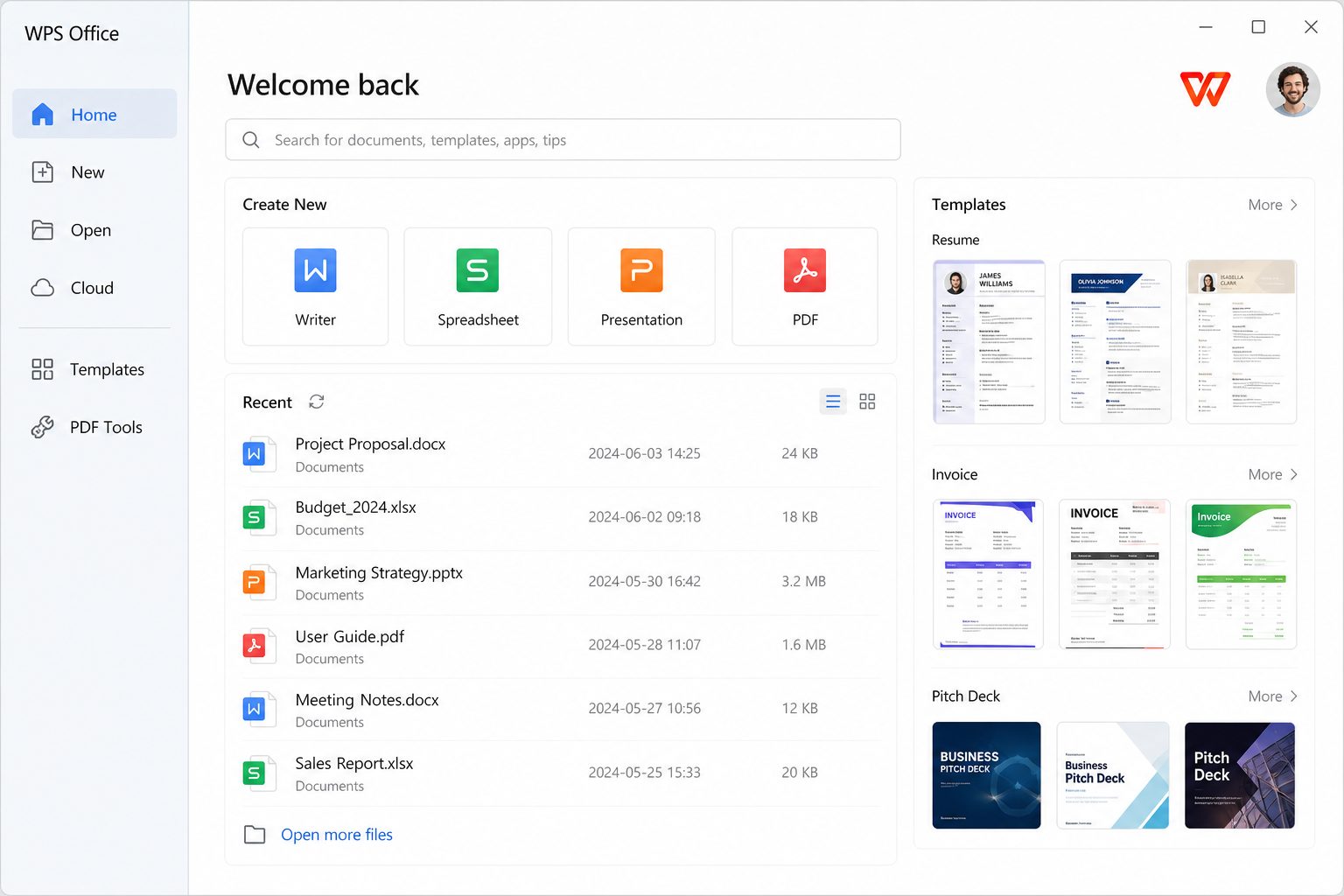
WPS Office desktop home screen with Writer, Spreadsheet, Presentation and PDF shortcuts
Desktop start screen — recent files and new-document tiles.

Independent site. This WPS Office website is not affiliated with Kingsoft. Installers on this page point to wps.com, Microsoft Store, Google Play, and the App Store. We never host WPS setup files.

Figures: Kingsoft H1 2026 reported about 676 million monthly active devices. Ratings cited from public Google Play (~5.98 million reviews) and App Store listings summarized by tech press (including Gizmodo’s WPS download page). Pricing and cloud quotas change by region — confirm on wps.com.

Four apps, one window

WPS is an acronym for Writer, Presentation, and Spreadsheets. PDF joined as a first-class module, which is why many people install it as a Word/Excel/PowerPoint replacement and a PDF editor.

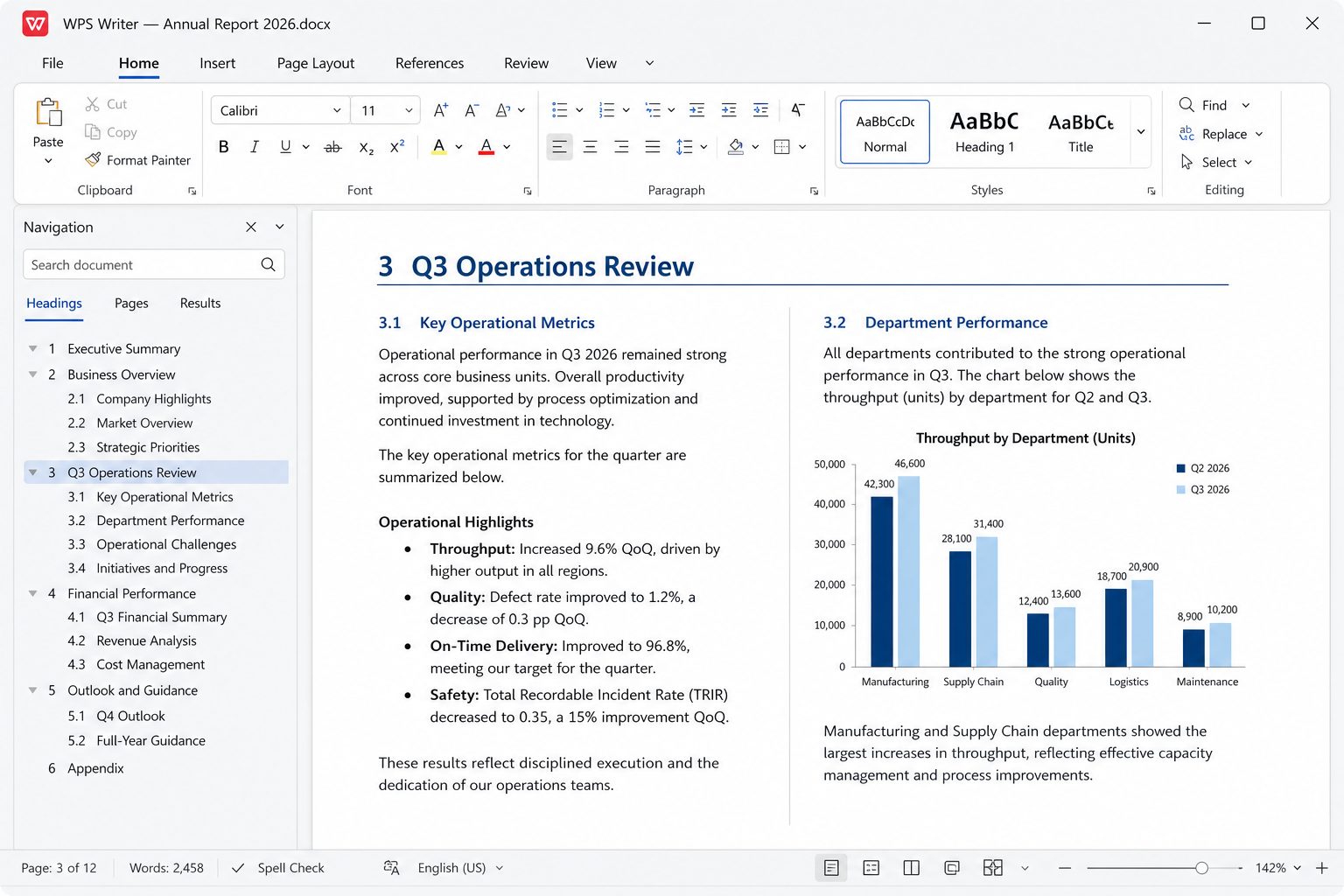
WPS Writer editing a business report with ribbon toolbar

Who this suite is actually for

  • Students and teachers who need DOCX/PPTX compatibility without a Microsoft 365 subscription.
  • Home PCs and older laptops — the installer is small, and Kingsoft still lists Windows 7 in official requirements (newer Windows 10/11 is the comfortable target).
  • Linux desktops that want a familiar ribbon instead of LibreOffice’s layout. Community packaging still matters here.
  • Phone-first work — Google Play lists 500M+ downloads for the Android app, with document scan + PDF tools that desktop suites often split into extra products.

It is a weaker fit if you live in VBA macros, enterprise Information Rights Management, or you refuse any ads on a free desktop. Read user experiences before you roll it out to a whole office.

What people struggle with (and where we send them)

Short answers

Open the full FAQ →

Should you install it? A 60-second verdict

Your situationInstall?Why
Student who must submit DOCX/PPTX, no 365 licenseYesFree Writer + Presentation round-trip everyday school files. Uncheck PDF default on setup.
Home PC, older laptop, need Word/Excel/PDF in one appYesSmall installer, ribbon you already know. Export PDF from Writer if Pro PDF tools nag.
Nonprofit / lab of donated Windows PCsYes, with a policyDisable file associations, Save As Microsoft formats, keep LibreOffice as fallback.
Finance team on VBA + Power Query + Power PivotNo as primaryWPS is not a drop-in Excel 365. Test, then keep Excel for those workbooks.
Law firm on tracked changes + content controlsTrial onlyComments work; heavy redlines still belong in Word. Run the ten-file test.
You refuse ads and will not pay ProLibreOffice or pay 3652026 mobile reviews describe save-time upsells. Desktop banners exist too.
Linux desktop, colleagues send DOCXYes, then fix fontsOfficial .deb/.rpm exist. Calibri substitutes change line breaks until you install metric-compatible fonts.

First 15 minutes after install (do this in order)

  1. 1. Refuse default-app capture. If the wizard offers to open PDF/DOCX/XLSX, decline unless you want WPS as the only suite. This single click prevents most “WPS hijacked my files” threads. Details: stop WPS opening PDFs.
  2. 2. Open your three ugliest files. Longest DOCX with comments, hairiest XLSX, branded PPTX. Save copies. Re-open copies in Word/Excel/PowerPoint if you still have them. If numbering, pivots, or masters break, WPS is a secondary tool — not a replacement.
  3. 3. Set AutoRecover to a real disk. USB sticks that are not plugged in at crash time are how people lose the only copy of a thesis.
  4. 4. Decide the cloud later. Local editing works without an account for basic Writer/Spreadsheet/Presentation. Sign in only when you want sync. Verify a test file on Drive/Dropbox web if you enable those hooks.
  5. 5. Learn two exits. F12 Save As DOCX/XLSX/PPTX. File → Export → PDF from Writer when you need a freeze-frame for printing. You do not need the paid PDF editor for that.

What WPS Office is — and is not

It is

  • A 1988-born Chinese word processor (Super-WPS) that became a full suite in 2001 and an international freemium product after the 2014 rename from Kingsoft Office.
  • Writer + Spreadsheet + Presentation + PDF in one tabbed window, with a Microsoft-like ribbon on purpose.
  • A mobile scanner/PDF toolkit that Google Play lists at 500M+ downloads — phones, not desktops, dominate the public rating pool.
  • A company-scale product: Kingsoft H1 2026 cited about 676 million monthly active devices and 48.25 million paying individual subscribers in mainland China.

It is not

  • Microsoft Office. Same file extensions are not the same VBA, IRM, Outlook, Teams, or SharePoint stack.
  • A fully free PDF editor. View/annotate is the free path; OCR, deep edit, batch, e-sign are where Pro shows up.
  • Ad-free on the free SKU. 2026 store reviews describe upgrade prompts on save — plan for that or pay.
  • A cracked “Pro forever” download. Those installers are how people get malware. Official: wps.com and first-party stores only.

Cost of ownership (not the sticker)

The binary is free. Your time is not. Budget for: five minutes disabling file associations; a round-trip test of real files; either ignoring ads or about $36/year Pro if PDF/OCR is weekly work; about $120/year if you will actually use AI every week. Refunds are a frequent Trustpilot complaint — screenshot invoices and cancel in the same store you paid.

Full map: Free vs Pro vs AI · vs 365 / LibreOffice / Google.

A field manual, not a brochure

Most WPS pages on the internet repeat the same three sentences: it is free, it opens Word files, it has PDF. That does not help you finish a thesis, a payroll sheet, or a parent-teacher deck. Below is how the suite behaves in the jobs people actually hire it for — including the parts Kingsoft would rather you discover after you click Upgrade.

Playbook: student with a deadline tonight

Essay / report (Writer)

  1. New blank DOCX — not a flashy template with 11 pt gray body text.
  2. Set the university font if they named one (Times, Arial, Calibri). If you are on Linux, install a metric-compatible substitute first or page count will lie.
  3. Title in Title style, sections in Heading 1, subsections Heading 2. Insert Table of Contents after the title page.
  4. Citations: if the department demands Word’s citation tool or EndNote, do the bibliography in Word or Zotero and paste. Do not improvise a fake “References” heading with manual hanging indents that break on someone else’s PC.
  5. Export PDF from Writer for upload. Keep the DOCX. Turn Track Changes off and accept/reject before export or the PDF will show junk.
  6. If the portal rejects PDF, they want DOCX — send DOCX, not .wps.

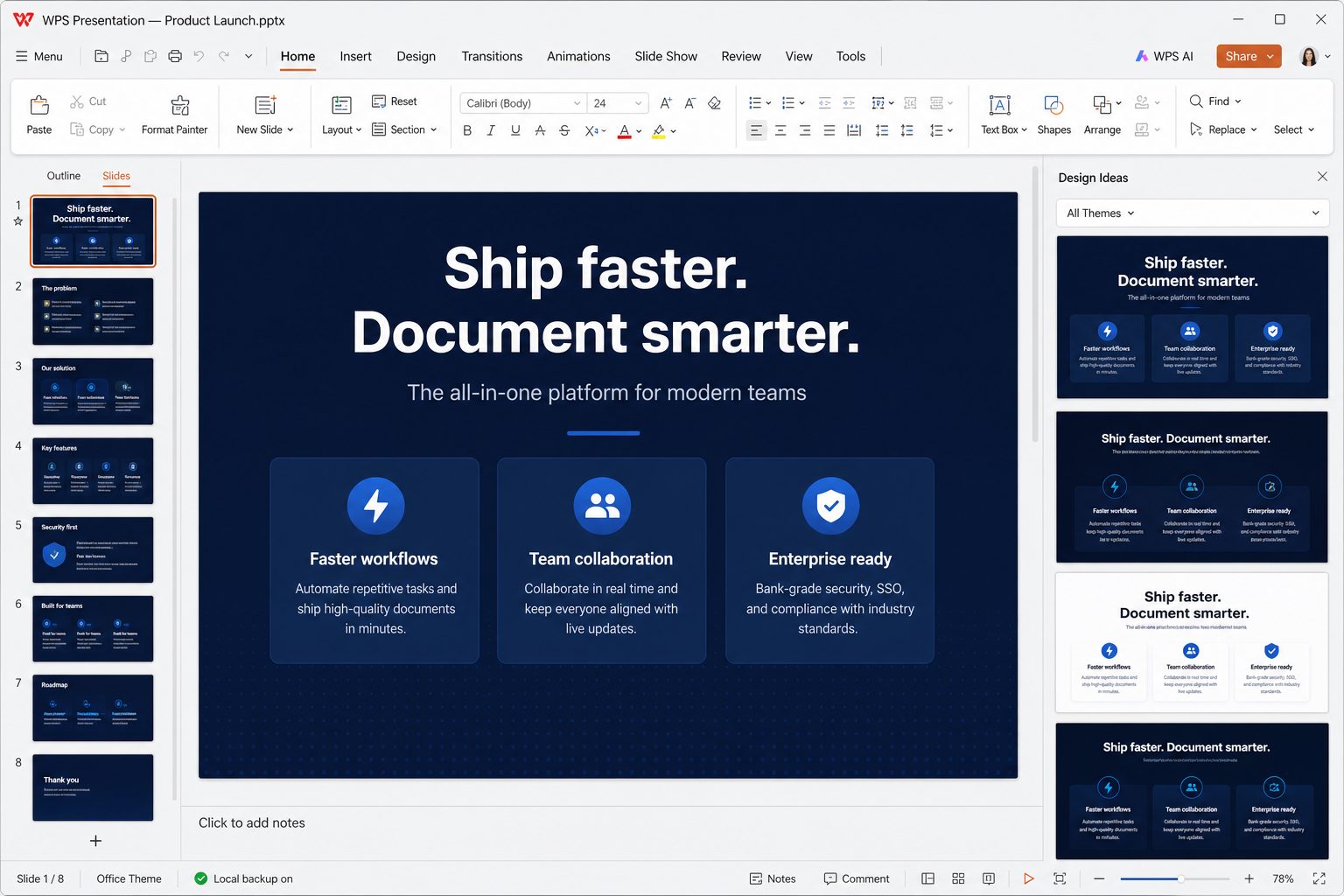
Slides for a 10-minute talk

  1. Open the lecturer’s PPTX in Presentation. Duplicate the file first.
  2. Do not switch every slide to a new template. Change content, not the master, unless the brand is yours.
  3. One idea per slide. 24 pt minimum on a projector. If you cannot read it on your phone at arm’s length, the back row cannot either.
  4. Export PDF as a backup on a USB stick. School PCs still fail to find codecs.
  5. If ads pop during rehearsal, present from the PDF. Losing a minute to an upsell in front of a class is not “free.”

Playbook: freelancer who invoices in Excel and contracts in PDF

Your money files are XLSX invoices and PDF contracts. WPS can do both. The trap is mixing them into one “smart” cloud.

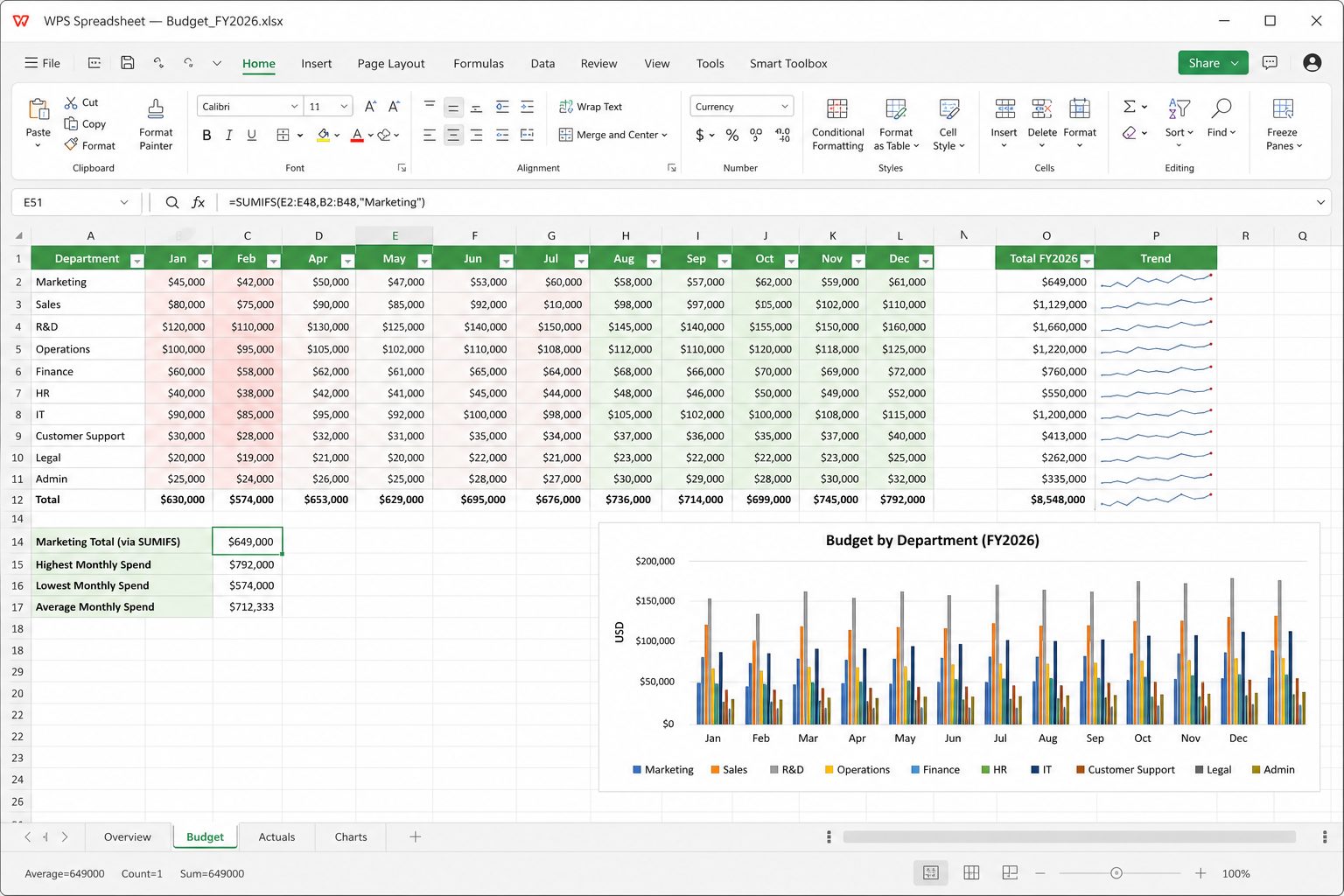
  • Invoices: one sheet for line items, one for the printable invoice that references totals with SUM. Save as XLSX. When you send to a client, Export PDF from Spreadsheet so they cannot accidentally edit rates. Keep the XLSX as the source of truth.
  • Contracts: if the other party sent a DOCX, edit in Writer with Track Changes, then Export PDF. If they sent a scanned PDF, OCR (often Pro) or refuse to negotiate on a photo of a contract. Fill-form PDFs: type in the fields; do not overlay text boxes that shift when they print.
  • Signature: if they named DocuSign, use DocuSign. If they said “sign and scan,” a 300 DPI phone photo through WPS scan is enough for many small jobs — still not a qualified e-signature in the EU sense.
  • Backup: dated filenames invoice-chen-2026-08-21.xlsx. Cloud is extra, not the only copy. 2026 reviews describe Drive hooks that look synced and are not.

Deep pages: Spreadsheet · PDF · Cloud.

Playbook: the person who “just wanted a PDF reader”

This is how WPS gets a bad reputation. You double-clicked a PDF, Windows asked for an app, you picked WPS, and now every Word file on the machine opens in a suite you did not mean to live in. Undo it: defaults guide. If you only need to read PDFs, Edge or Acrobat Reader is enough. Install WPS when you will edit.

Compatibility, with numbers you can test

FileOpenEdit & saveRound-trip to MicrosoftWhat to test
Simple DOCX (headings, body, photo)ExcellentExcellentExcellentPage count, image position
DOCX with Track ChangesVery goodGoodGoodBalloons, author names, accept-all
DOCX mail merge + data sheetGoodGoodTest10-row preview, dates, currency
DOCX content controls / Word formsUnevenUnevenPoor–fairStay in Word if it is a government form
XLSX SUMIFS, charts, filtersExcellentExcellentVery goodKnown-good total cell
XLSX pivotGoodGoodTestRefresh, calculated fields
XLSX Power Query / Power PivotOften failsDo not migrateNoKeep Excel
XLSM macrosOpensMacros limitedDangerousNever enable unknown macros
PPTX school/sales deckExcellentVery goodVery goodFonts, master, embedded video
PPTX Morph / heavy animationOpensMay flattenTest on projectorExport PDF backup
PDF text-basedExcellentLight free / deep ProN/ASearch, copy, comment
PDF scanViewOCR often paidN/ALanguage pack, 300 DPI

Full extension list: file formats. Migration ritual: ten-file test.

Myths that waste people’s weeks

“WPS is 100% identical to Microsoft Office.”
It is similar on purpose. Ribbon, DOCX, XLSX, PPTX. It is not identical: VBA, Power Query, Outlook, IRM, some content controls, some 365 dynamic arrays. Similar is enough for school and invoices. Identical is a lie.
“The website installer is always a virus.”
The official one from wps.com is mainstream software used on hundreds of millions of devices. Random “WPS Pro 2026 Full Crack” pages are how you get malware. Publisher name matters.
“If I ignore ads they will go away.”
2026 Play reviews say they got worse, including on save. Ignoring is a strategy only if you open WPS rarely. Otherwise Pro or a different suite.
“Cloud means I cannot lose files.”
Cloud means a copy exists if the last upload succeeded to the place you think it did. Verify on the vendor’s website. Keep dated local copies of anything you cannot afford to rewrite.
“Free PDF editor means Adobe is obsolete.”
Viewing yes. Production OCR, batch, and legal signing often sit on Pro or on a specialist tool. Plan the tool to the job.

Glossary (so the rest of the site is readable)

WriterWord-like module. Files: DOC/DOCX, also native WPS.
SpreadsheetExcel-like module. XLS/XLSX, native ET.
PresentationPowerPoint-like module. PPT/PPTX, native DPS.
UWP / StoreMicrosoft Store package 9NSGM705MQWC. Not the same bits as the website EXE.
ProPaid personal plan: fewer ads, more PDF, templates, extra cloud (price moves).
WPS AIPaid Copilot-style drafts, summaries, slide gen, PDF chat.
File format connectionIn-app switch that claims PDFs and Office files for WPS.
OCROptical character recognition — turning a photo of text into text you can search or edit.
Round-tripOpen in WPS, save, open again in Word/Excel/PowerPoint. The only compatibility test that matters.

Where to go next (by job)

Install it on the device you actually use

Keep reading