
Formats
.ppt, .pptx, .pptm, .pps, .ppsx, .pot, .potx, plus native .dps/.dpt. Always send PPTX unless you know the room runs WPS.
Design reality
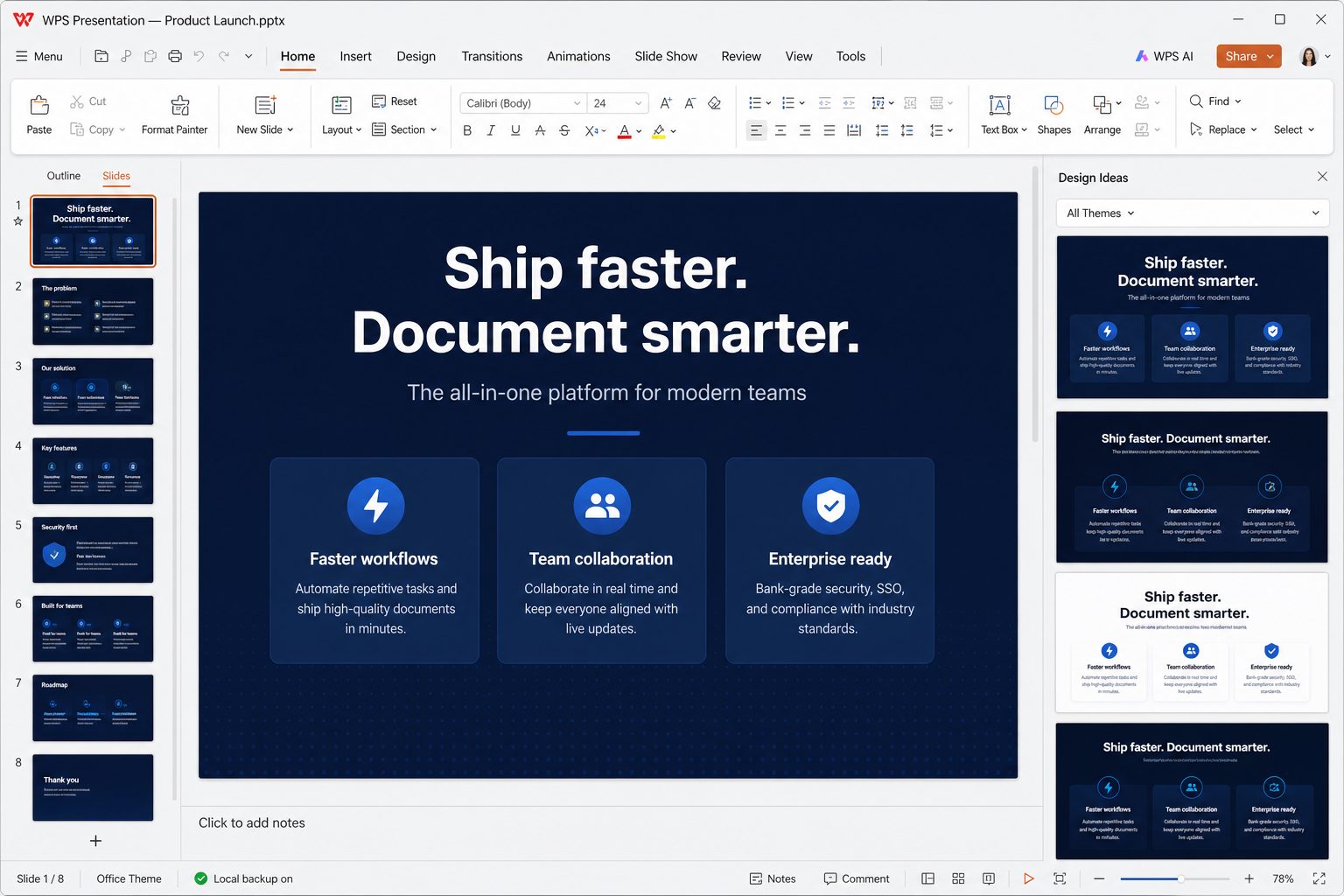
You get masters, layouts, speaker notes, animations, transitions, tables, charts, and media. Kingsoft plus template vendors push a giant gallery — useful when you need a resume-night deck in 20 minutes, noisy when every slide looks like a stock infographic.
WPS AI can generate a first-pass deck from a prompt or from an existing file. Treat that as a wireframe: replace dummy stats, fix contrast, and delete the slide that says “synergy.”
Presenting
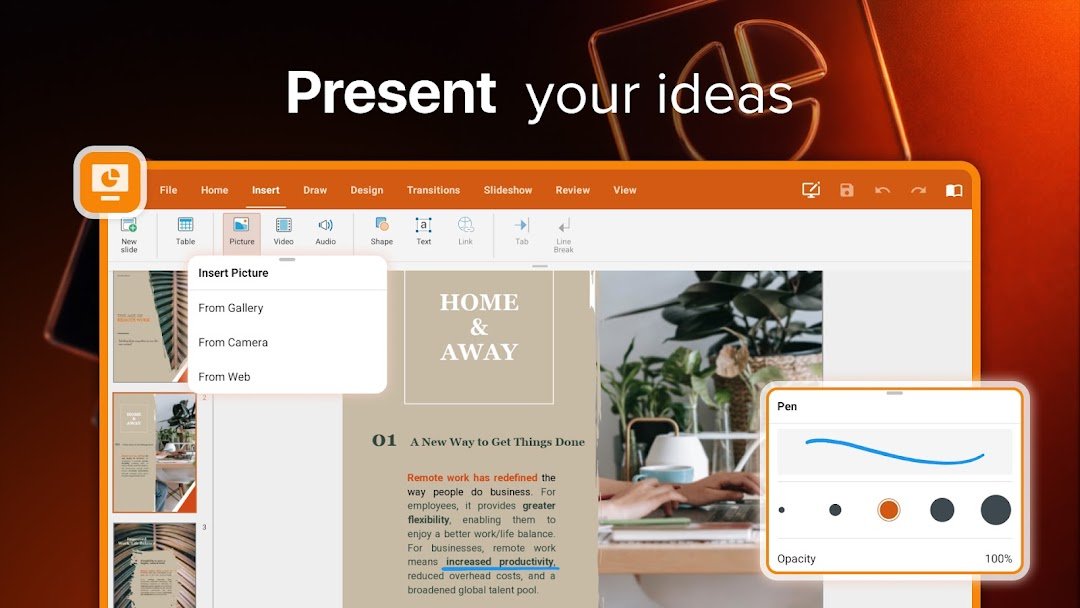
Presenter view, laser/pen tools (the mobile/tablet story includes Apple Pencil on iPad), and jump-to-slide. Projectors still lie: export a PDF backup before a conference, same as you would with PowerPoint.
User notes
Reviewers (including creator roundups Kingsoft highlights on wps.com) like the familiar ribbon and the template count. Teachers like that students can open the PPTX the department already has. Designers still prefer PowerPoint or Keynote for animation-heavy keynotes.
Masters before decoration
Build or steal a master with your two fonts and two colors. Then every new slide inherits. If you decorate slide 4 with a unique orange bar and slide 9 with a different one, you do not have a deck — you have a collage. WPS templates are fast and loud; strip icons that do not mean anything, replace lorem stats, check contrast on a phone.
AI-generated decks
WPS AI can draft slides from a prompt or a source file. Treat the output as a wireframe: every number is guilty until you cite it, every stock photo of a handshake should die, and the slide titled “Synergy” should be deleted before a human sees it. Then fix the master so the AI’s random fonts do not leak.
The night before you present
- Export PDF backup. Projectors and visitor laptops still fail to find fonts and codecs.
- Play the deck on the actual machine if you can. Animations that look fine at 100% can stutter at 4K.
- Embedded 4K video: compress or link, and carry the video file next to the PPTX.
- Speaker notes: they do not show on the projector if you use presenter view correctly — verify, because nothing is worse than notes on the big screen.
- Remote clickers: test. F5 starts from the beginning; Shift+F5 from the current slide — shortcut list.
Classrooms
Teachers care that the department PPTX opens. Students care that they can edit on a phone after class. Both work. Ads during a live slideshow are the failure mode: present from exported PDF if the free client nags on a projector. See ads.
Structure a talk before you open the gallery
Write the talk in Writer or on paper: 1 promise, 3 points, 1 ask. Then open Presentation. Ten slides for ten minutes is already aggressive if you like to speak. Twenty slides for ten minutes is a flipbook. The 100,000 templates will not save a talk that has no point; they will only make the emptiness colorful.
Type hierarchy on a slide
One headline, one block of support, one visual. Headlines are sentences: “Ship the invoice the same day,” not “Invoicing.” Body text 20 pt+ . If you need 12 pt, it is a document — put it in a handout PDF, not on the wall. Alignment: pick left or center and stop mixing. The orange accent of WPS Presentation is fine; five accent colors is a carnival.
Animation policy
Appear or fade on click for the next bullet if you must. No bounce, no spin, no 40-second morph that makes you wait in silence. Transitions: none or fade, one setting for the whole deck (apply to all). If you inherited a deck with whoosh sounds, File extras → strip them before a funeral or a board meeting.
Numbers on slides
A chart copied from Spreadsheet should still have a source date and a unit. “+40%” without a base is advertising. If the chart is decorative, delete it. Tables on slides: 3×4 max. More belongs in an appendix PDF.
Pictures and video
Insert from file, crop in-app, compress. A 20 MB photo of a handshake is not “professional,” it is a lag. Video: test on the meeting-room PC. Carry the mp4 next to the PPTX. If the room is locked down, export a PDF and talk over stills — boring and reliable.
Rehearse like the room will fail
- F5 from the start, once, without touching the mouse if you use a clicker.
- Notes on the presenter screen only. Confirm with a second monitor or the Windows projector extend mode.
- B for black when you want faces, not slides.
- PDF backup, USB, and a copy in email to yourself.
- If WPS nags Pro on the school PC, you already lost. Present PDF.
Shortcuts: F5 / Shift+F5 / B. Ads: what you can do.
Masters versus decorating one slide
View → Slide Master. Fonts and colors live here. If you change the title box on slide 7 only, you will do it 29 more times. Logos: master, not 30 independent PNGs that drift. If you inherited a deck with 12 unused layouts, leave them; deleting “unused” layouts can remap slides to Title Only and wreck content. Duplicate the file first.
Speaker notes
Notes are for you. They do not print on the projector unless you choose handouts that include notes — do not. A handout PDF of slides plus a separate one-pager of actions beats 40 slides of 8 pt notes. If you read notes verbatim, write shorter notes.
Embedded video
Link or embed, then test on a second PC. Codecs that play on your laptop fail on a locked school image. Carry the mp4 next to the PPTX. If the video is decorative, delete it; it is the first thing that fails and the last thing that teaches.
Export
PDF for backup and for people who should not edit. Video export if your build offers it and you need a recording; it is large. Pictures of slides for chat apps — last resort, they cannot be searched. Filename: topic-2026-08-21.pptx not Copy of Copy of Template 14.pptx.
Can they read it at the back
Stand at the back of the actual room if you can. If not, 2 m from a laptop is a cheap proxy. Contrast: yellow on white is not a brand, it is a dare. GIFs that flash are a medical problem for some people — do not.
Night-before protocol: triage.