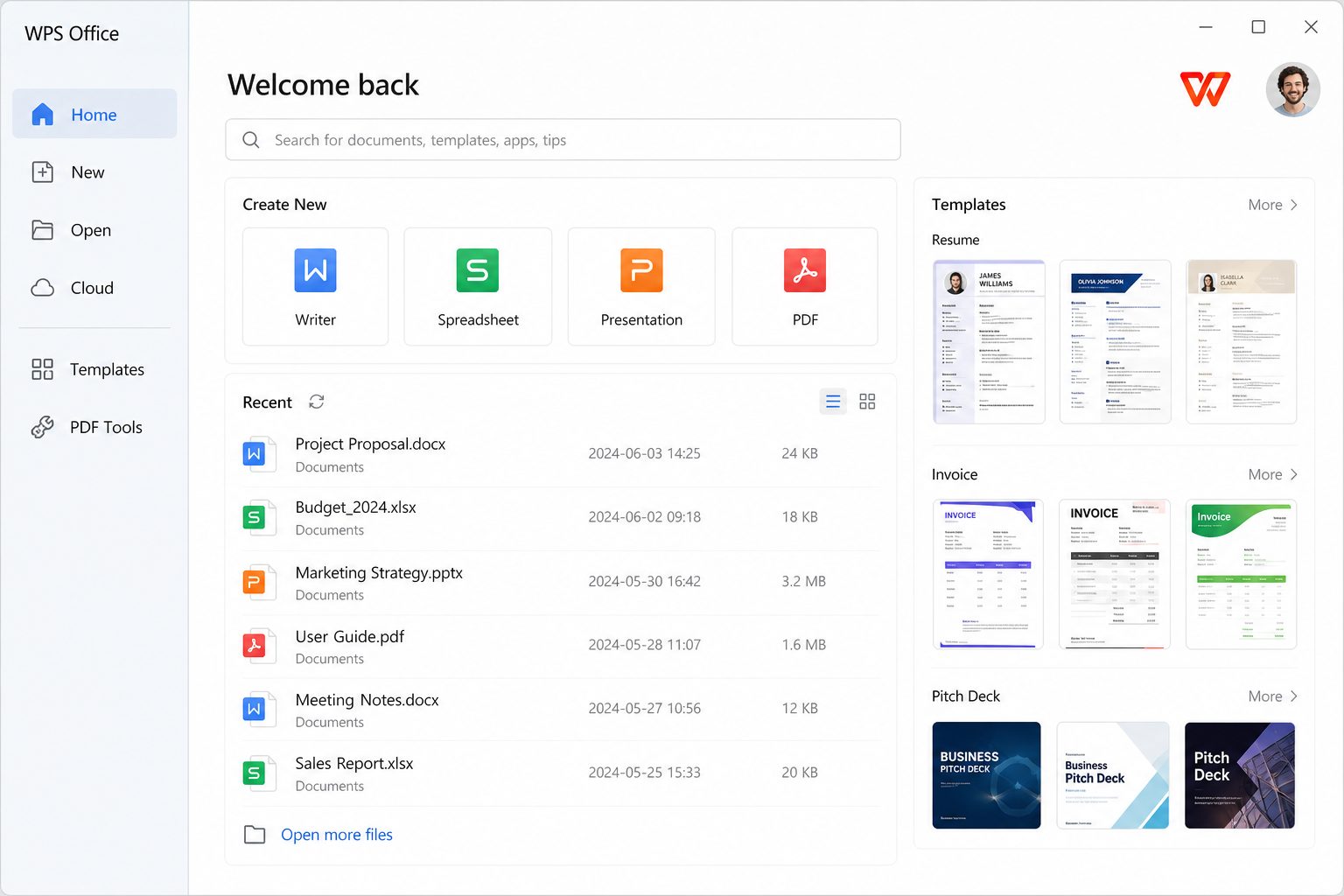
Windows install, the way Kingsoft documents it
- Confirm you meet system requirements (2 GB RAM minimum, 4 GB disk recommended, dual-core CPU).
- Download from wps.com — not a random “WPS 2026 full version” blog.
- Open
wps_office_inst.exe. - Pick language (top right of the wizard), read the license and privacy policy, then Install Now.
- On first launch, decline extra bundles you do not want (PDF default, browser helpers, start-up items). This is the moment most “why did it steal my PDFs?” stories begin.
Microsoft Store vs website EXE
The UWP listing is convenient on locked-down PCs and updates quietly. The website EXE is the full desktop client people mean when they say “WPS for Windows.” Kingsoft also publishes an EXE-oriented Store product (XP8M1ZJCZ99QJW). If features seem “missing” after a Store install, you probably wanted the website build.
Read the full comparison: Store vs website installer.
How to tell you got the real app
- Publisher should be Kingsoft / WPS Software Pte. Ltd., not an unknown “setup.exe” from a download portal.
- The app icon is the red rounded square with the white ribbon W — the same mark we use in the header, taken from the official store listing.
- Play Store developer email listed publicly: [email protected]; Singapore office address on the store page.