
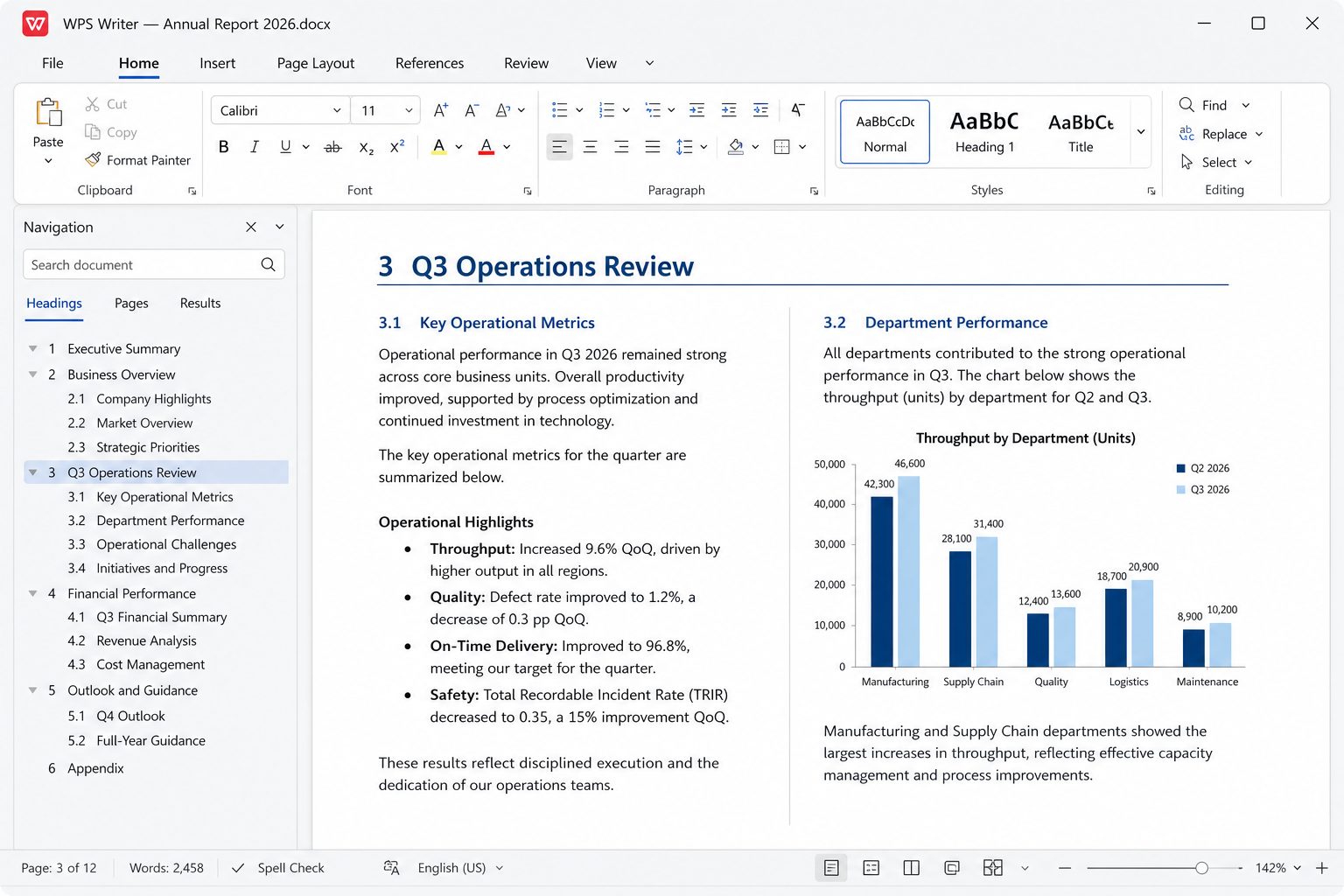
The suite, module by module
On desktop, WPS keeps several document types in one tabbed window. That is the feature people coming from a pile of separate viewers notice first. You can park a DOCX, an XLSX, and a PDF side by side without launching three products.
- Writer — Word-compatible authoring.
- Spreadsheet — Excel-compatible calculation.
- Presentation — PowerPoint-compatible decks.
- PDF — reader plus editor/convert/OCR (tiered).
- Photo — crop and annotate images for insertion.
- Cloud docs — sync, share, co-edit, permission control.
- Templates — Kingsoft advertises 100,000+; unlimited access is a Pro talking point.
- WPS AI / Copilot — draft, summarize, slides from a prompt, chat with PDF.
Compatibility claims, translated
Official marketing says you can open, edit, and convert Microsoft Office, PDF, and Google Docs files. In practice:
| Format family | Everyday files | Watch-outs |
|---|---|---|
| Word DOC/DOCX | Excellent | Nested fields, some content controls, heavy VBA |
| Excel XLS/XLSX | Very good | Power Query, Power Pivot, some array/dynamic 365 functions |
| PowerPoint PPT/PPTX | Very good | Exotic morphs, embedded fonts, certain OLE objects |
| Strong reader | Advanced edit/OCR often Pro | |
| Native WPS/ET/DPS | First-class | Send colleagues DOCX/XLSX/PPTX unless they also run WPS |
See the full format list.
Collaboration and cloud
Cloud documents support real-time co-editing, live cursors, comments, emoji reactions, and access levels (view / comment / edit) with revoke. Free cloud quotas are modest; Pro listings in 2026 reviews often cite about 20 GB. Team workspaces exist as a separate commercial motion (~$2.49 per user per month in third-party roundups — confirm live pricing).
The Android app also hooks Dropbox, Google Drive, Box, and OneDrive so you do not have to live only in WPS Cloud. Several 2026 Play Store reviews complain that third-party cloud links broke after updates and that files appeared to save to a paid WPS cloud instead. If that happens, export locally and upload with the vendor’s own app until Kingsoft patches it.
Languages
Help Center: English, Indonesian, German, Spanish, French, Thai, Portuguese, Polish, Russian, Japanese, and more. Microsoft Store lists 14 languages including English (US), French, German, Indonesian, Japanese, Portuguese (Brazil and Portugal), Russian, Thai, Spanish (Mexico and Spain), French (Canada), Polish. Wikipedia additionally notes Chinese, Italian, Malay, Vietnamese.
AI, without the demo-speak
On wps.com, AI is mapped to real tasks: first drafts in Docs, slides from a prompt, chart/insight help in Sheets, summarize and Q&A on PDFs, layout cleanup, translation. Those features typically ride the WPS AI or Pro+AI SKUs (third-party 2026 prices in the ~$120–$130/year neighborhood). Treat them as optional accelerators, not as a reason to skip proofreading.
Security posture Kingsoft advertises
Encrypted transfer, GDPR/ISO-aligned language, a “privacy-first AI” claim that prompts are not used for training without permission, and cloud backup. Independent researchers (ESET, 2023–2024) have also documented a threat actor abusing update-style injection historically — which is an argument for official channels and a patched OS, not for random mirrors.
What you can do at $0 if you are disciplined
- Write and edit DOCX, including comments and a reasonable track-changes pass.
- Build budgets and gradebooks in XLSX with SUMIFS, charts, filters.
- Open the lecturer’s PPTX, change three slides, export PDF for print.
- Read PDFs, highlight, comment; export PDF from Writer instead of paying to edit a PDF in place.
- Use a slice of the template gallery; skip locked “premium” designs.
What you should not expect at $0: silence (ads), unlimited OCR, batch PDF factories, and “unlimited templates” as marketing defines it. Pricing map.
How we got here (compressed)
1988: Super-WPS word processor on DOS, first serious Chinese WP for the mainland market. 1997–2000: Windows ports after Microsoft Office landed. 2001: full suite (writer + sheet + slides). 2004 “Storm” briefly sat on OpenOffice bones. 2005+ rebuilt a smaller, Office-like UI. 2007–2013: Kingsoft Office branding internationally. June 2014: everything renamed WPS Office. 2016: freemium core. 2019: PDF as a first-class citizen. Linux: official packages with a community-heavy support story after 2017 mixed messages. 2021–2024: HarmonyOS. 2026: AI Copilot on the homepage and 676M monthly active devices in Kingsoft’s H1 print.
That history explains the product: it exists to open Microsoft files in markets that will not all pay Microsoft, and to upsell PDF/AI/cloud to the people who stay.
Do not roll it out company-wide until…
- The ten-file test passes on your worst files — migration guide.
- File associations are locked so updates cannot recapture PDF.
- Someone owns billing (Pro vs AI vs stay free) so staff do not buy personal subs on a work card.
- Macros and IRM documents have a remaining Microsoft box, even if everyone else uses WPS.
A day in the tabbed window
Morning: Writer on a contract, comments from the client. Midday: Spreadsheet with last night’s CSV. Afternoon: PDF of the signed scan. Evening: Presentation for tomorrow. That is the product pitch, and it is real on a 8 GB laptop. The cost is ads, a cloud that wants to be the center, and PDF tools that ask for money at 23:10. If you only ever do one of those jobs, a specialist app may nag you less.
Photo module
Crop and annotate for insertion. It is not Lightroom. Compress before you drop a 12 MP phone image into a resume. If you need background removal, do it elsewhere and import a PNG.
Online extras on wps.com
Kingsoft also ships browser tools (summarizer, converters, compress PDF). Convenient; they are not the desktop suite; they are another upload surface. Do not put confidential scans in a random converter tab if policy forbids it. Desktop Export PDF from Writer avoids that upload.
HarmonyOS / Fire tablets
Wikipedia notes preinstall on Amazon Fire and HarmonyOS apps. If your tablet is Fire, you may already have WPS. Settings still apply: defaults, ads, cloud. Do not assume the Fire SKU matches the Play SKU feature-for-feature.
What is not in the box
No Outlook. No Access. No Publisher. No OneNote. No Microsoft Teams. No SharePoint admin. WPS is documents, sheets, slides, PDF, photo extras, cloud, templates, optional AI. If your job is mail, you still need a mail client. If your job is relational databases, you still need Access or something else. Marketing images that show a “complete office” mean complete for files, not complete for Microsoft’s product family.
Version sprawl
Windows EXE, Windows UWP, Mac, Linux, Android, iOS, web tools — six products that share a name. A YouTube tip for Android ads will not find a checkbox on Linux. Always match the tip to the SKU. When in doubt, About box, then this site’s platform page.