
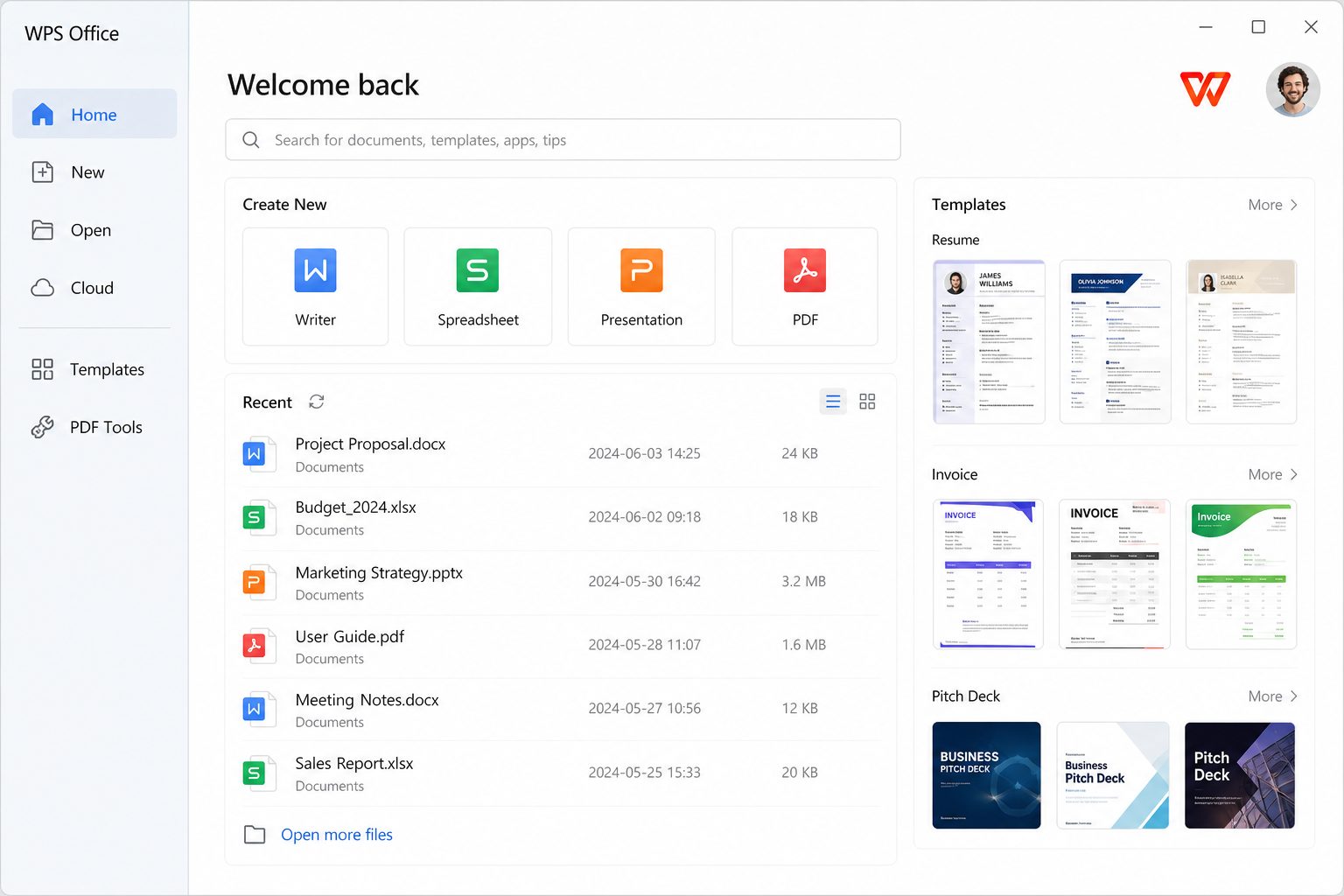
What it actually does
- Docs: outline, expand, rewrite, translate.
- Slides: generate a deck from a sentence or from a source file.
- Sheets: explain a range, suggest a chart, draft a formula.
- PDF: summarize, question-and-answer, extract.
- Layout: tidy spacing and consistency (marketing name varies).
Cost shape
Third-party 2026 pricing snapshots: WPS AI around $119.88/year, Pro+AI around $129.99/year, Pro without the full AI bag around $35.99/year. Kingsoft also runs timed trials (their blog has mentioned 7-day trials without a card in some campaigns). None of that is a coupon page — we do not publish “working keys.”
Privacy claims
wps.com says documents and prompts stay under your control and are not used for AI training without permission. If you handle patient data, student records, or unpublished financials, your policy — not a marketing sentence — decides whether cloud AI is allowed. Local-only work is still a valid reason to skip the AI SKU.
Sane usage
- Never paste secrets into a prompt you would not put in email.
- Verify every number, citation, and legal clause.
- AI slides are a starting grid. Replace stock claims.
- If the free app started nagging AI upsells after each save, that matches 2026 Play Store complaints — see ads and pop-ups.
Prompts that waste less electricity
- Bad: “Write a business plan.” Good: “Draft a 1-page plan for a 12-seat tutoring shop in Amman, three services, no invented revenue numbers.”
- Bad: “Summarize this PDF.” Good: “List obligations and dates; quote the clause; do not invent dates that are not in the file.”
- Bad: “Make a 20-slide deck.” Good: “8 slides: problem, 3 causes, 2 options, ask. No stock photos.”
Verification ritual
Every number, name, and statute the model emits is guilty. Check against the source PDF or your sheet. AI that chats with a PDF still misses tables and footnotes. Do not paste patient data, unpublished earnings, or exam keys into a prompt you would not put in Gmail.
Skip AI if
You write two letters a month. You are under a data residency ban. You already resent ads — the AI SKU is another meter. Use Writer. Price map.
Docs: draft, then mutilate
Ask for an outline first, not a finished letter. Then write the letter yourself from the outline, or heavily edit the draft. Models love confident emptiness: “leverage synergies to drive impact.” Delete that on sight. Keep facts you supplied. Invented citations are a known failure mode — if the prompt did not include a source, the source is fiction until proven.
Sheets: formula suggestions
Use AI to name a function you forgot (SUMIFS vs 40 IFs). Then type it yourself and put a known-good total next to it. If the suggestion uses a 365-only function, WPS may return #NAME?. That is a compatibility lesson, not a reason to trust the next suggestion more.
PDF chat
Useful for “what dates are mentioned.” Useless as a witness. Quote the clause in your notes with a page number you clicked. Tables and footnotes are where models skip. Confidential PDFs: if you would not upload them to a random summarizer on wps.com’s web tools, do not paste them into AI either.
When the meter is not worth it
Two letters a month. A school policy against cloud AI. A job that is already templates. Skip the SKU. Writer is still there. Pricing map.