
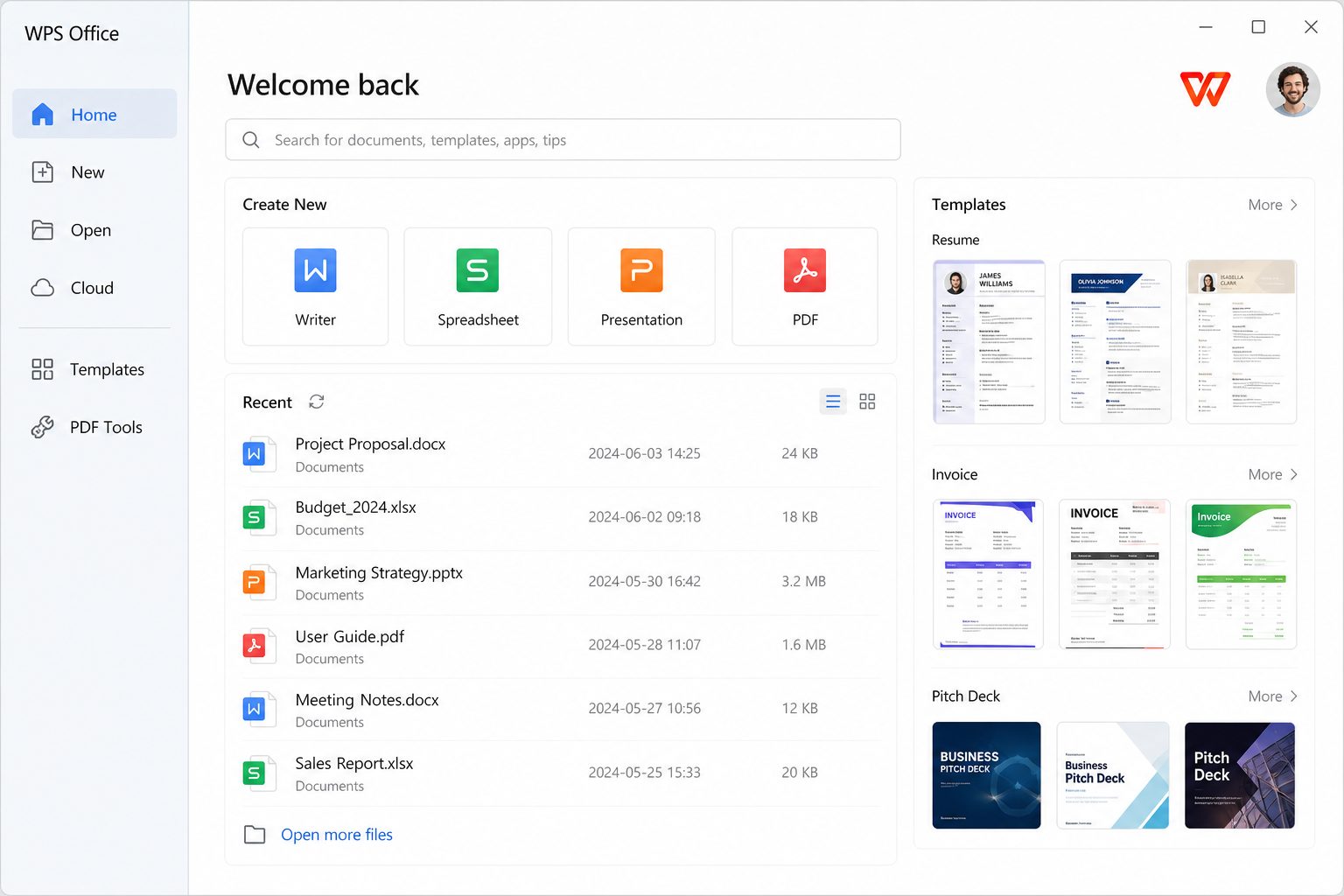
Get it from wps.com or Microsoft Store 9NSGM705MQWC. Details: download page and Store vs EXE.
After install, do these five things
- Uncheck PDF/Office defaults if you still pay for Microsoft 365.
- Sign in only if you want cloud; local files work without an account for basic editing.
- Set AutoRecover folder on a disk that exists (not a disconnected USB).
- Open your nastiest DOCX and XLSX as a compatibility test.
- Pin Writer/Spreadsheet/Presentation separately to the taskbar if you hate the tabbed home.
Windows 7 reality check
Kingsoft still lists Windows 7. Microsoft does not. You can often launch WPS on 7; you should not put a Windows 7 box on the internet in 2026. If you must use old hardware offline, WPS’s small footprint is exactly why people still mention it.
Choose one Windows package and write it down
Website EXE from wps.com: what YouTube means by “WPS for PC.” Microsoft Store UWP (9NSGM705MQWC): policy-friendly, different sandbox. EXE-flavored Store listing (XP8M1ZJCZ99QJW): read the Store page before you mix it with the others. Imaging a lab? Pick EXE or UWP for all PCs. Mixing is how you get two icons and a coin-flip on which one opens the budget.
Hardening a home PC
- Install from official URL only.
- Decline PDF/Office defaults unless WPS is your only suite.
- Task Manager → Startup → disable WPS if you did not ask for boot launch.
- Default save DOCX/XLSX/PPTX.
- AutoRecover on the internal SSD.
- Open three ugly files as a bake-off.
- Create a restore point if you are the family IT person — cheap insurance.
Controlled folder access / ransomware protection
Windows Security can block WPS from writing to Documents. Symptom: Save fails, Desktop works. Allow WPS through ransomware protection or save to a folder that is not guarded. This is not WPS being “buggy”; it is Windows doing its job loudly.
OneDrive Files On-Demand
A cloud-only stub looks like a file and is not on disk. WPS may fail to save or may upload to the wrong cloud. Right-click → Always keep on this device for the thesis folder. Then work.
Windows 7
Kingsoft’s table still names it. Microsoft ended support. If the PC is offline in a cupboard and only prints labels, WPS’s small footprint is why people still mention 7. If the PC is on Wi-Fi, you have a bigger problem than office software. Details: requirements, download, Store vs EXE.
Printers and PDF printers
If print is blank, export PDF and print from Edge to isolate driver vs document. Label printers want exact stock size. “Microsoft Print to PDF” plus WPS Export PDF can both exist — pick one workflow so you do not create PDF-of-a-PDF-of-a-scan.
Taskbar and defaults after every major update
Updates have a habit of recapturing file types and re-enabling startup. Put a 3-minute check in your calendar the day after Patch Tuesday and the day after a WPS self-update: defaults, startup, a probe DOCX. Family IT is mostly this loop, not a one-time install.
Windows Sandbox / VM for untrusted DOCX
Macros from the internet are still a bad idea in any suite. Open unknown files in a sandbox or on a throwaway profile. WPS is not a security boundary just because it is not Word.
Font embedding
If you send a DOCX with a boutique font, either embed (file size) or don’t use the font. Recipients without the font get a substitute and your carefully kerned title becomes a wrap. Calibri/Arial/Times remain the boring professionals.